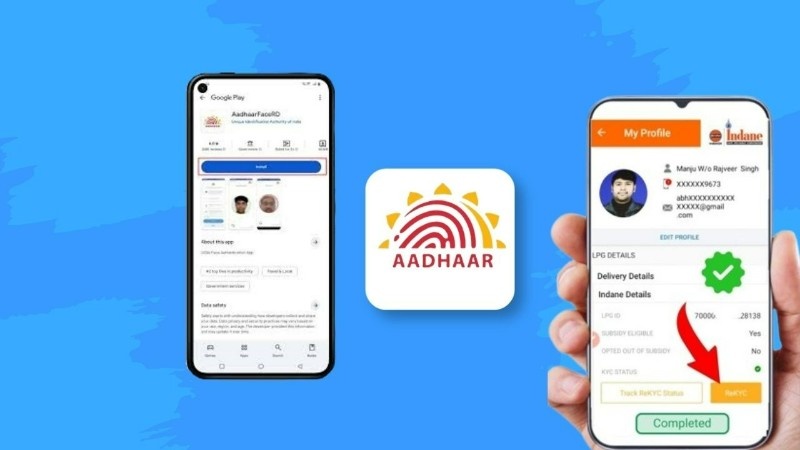
Gas Connection e-KYC: How to Complete It Online from Mobile
Today many services are becoming digital in India, and gas connection is also one of them. If you are using LPG at home, you may have heard about e-KYC. It is an important step to keep your gas connection active and safe.
In this article, we will explain in very simple English what gas connection e-KYC is, why it is important, and how you can complete it easily from your mobile without any confusion.
What Is Gas Connection e-KYC?
Gas connection e-KYC means electronic Know Your Customer verification. In simple words, it is a process where your identity is verified online using your documents like Aadhaar.
Gas companies ask users to complete e-KYC so they can confirm that the connection is used by the correct person. This helps prevent fraud and keeps your account updated.
If e-KYC is not completed, sometimes services like subsidy or booking may face issues.
Why Gas e-KYC Is Important
Doing e-KYC is not just a formality. It has some real benefits.
It helps your gas connection stay active without problems. It also ensures that government benefits like LPG subsidy are sent to the correct person.
Another important reason is security. When your identity is verified, no one else can misuse your connection.
So it is always better to complete e-KYC on time.
Documents Required for Gas e-KYC
To complete the process, you do not need many documents. Most users can complete e-KYC using just basic details.
You usually need:
- Aadhaar card
- Registered mobile number linked with Aadhaar
- LPG consumer number or ID
Make sure your mobile number is active because you may receive an OTP during verification.
How to Do Gas e-KYC Online from Mobile
You can complete the e-KYC process using your smartphone. The steps are simple and do not take much time.
First, open the official website or mobile app of your gas provider. In India, major providers include Indian Oil Corporation, Bharat Petroleum, and Hindustan Petroleum.
After opening the website or app, log in using your mobile number or LPG ID.
Next, find the option for e-KYC or Aadhaar verification. Click on it and enter your Aadhaar number.
You will receive an OTP on your registered mobile number. Enter the OTP to verify your identity.
Once the verification is complete, your e-KYC will be updated successfully.
How to Do Gas e-KYC Offline (Agency Method)
If you are not comfortable using mobile or internet, you can also complete e-KYC offline.
Visit your nearest gas agency with your Aadhaar card. Ask the staff to help you with e-KYC. They will verify your details and complete the process for you.
This method is helpful for people who are not familiar with online steps.
How to Check e-KYC Status
After completing the process, you can check whether your e-KYC is successful or not.
Go to the official website or app of your gas provider and log in. There you will find an option like “Check Status” or “My Profile”.
If everything is correct, it will show that your e-KYC is completed.
USE APP
Important Tips Before Doing e-KYC
Before starting the process, keep a few things in mind.
Make sure your Aadhaar is linked with your mobile number. Without this, OTP verification will not work.
Always use the official website or app of your gas provider. Do not trust unknown links or messages.
Check your details carefully before submitting. Small mistakes can delay the process.
The Final Words
Gas connection e-KYC is a simple but important step for every LPG user. It helps keep your connection safe, active, and properly verified.
The best part is that you can complete it easily from your mobile in just a few minutes. And if you are not comfortable online, you can always visit your nearest gas agency.
By completing e-KYC on time, you can avoid future problems and continue using your gas services without any interruption.