Image to PDF Converter: What It Is, How to Use It, and Why It Is Useful
Today many people use their phone to take photos of documents, notes, bills, or important papers. But sharing many image files one by one is not always easy. This is where an image to PDF converter becomes very useful.
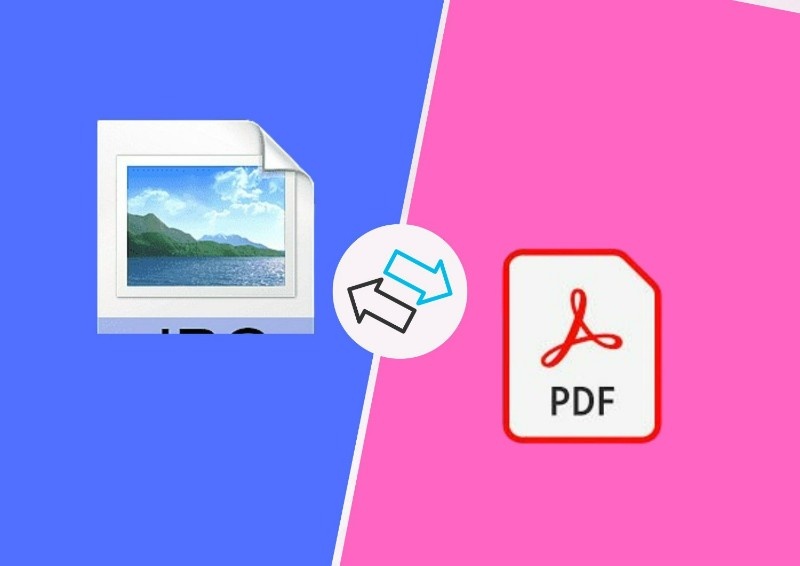
An image to PDF converter is a simple tool that changes image files like JPG or PNG into a PDF document. Instead of sending many photos separately, the tool combines them into one single PDF file. This makes the document easier to read, store, and share with others.
Many people use this tool in daily life, especially students and professionals who work with digital documents.
What Is an Image to PDF Converter?
An image to PDF converter is a software, website, or mobile app that converts images into a PDF file. If you have several photos of documents, the converter joins them together and creates one organized file.
For example, if you take photos of 5 pages of notes with your phone, you can convert those 5 images into one PDF document with 5 pages. This looks more professional and is easier to send through email, WhatsApp, or online forms.
Most converters support common image formats such as JPG, PNG, and sometimes even screenshots.
How to Use an Image to PDF Converter
Using this tool is very simple and usually takes only a few steps.
First, open any image to PDF converter website or app on your phone or computer. After that, upload the images that you want to convert. Many tools allow you to drag and drop images directly from your device.
Next, arrange the images in the correct order. This step is useful when you have many pages and want them to appear in the correct sequence.
Finally, click the convert button. Within a few seconds, the tool creates a PDF file that you can download and save on your device.
Some converters also allow you to change page size, rotate images, or adjust margins before creating the final PDF.
Common Use Cases of Image to PDF Converter
People use this tool in many different situations. One common use is converting photos of documents into a clean digital file.
Students often take pictures of handwritten notes or assignments. Instead of sending many pictures, they convert them into one PDF and submit it to their teacher.
Another common use is saving important papers. Many people take photos of bills, receipts, ID cards, or forms and convert them into PDF files so they can store them safely in their phone or computer.
Some people also use it to combine screenshots or images into one file when they want to share information with others.
Why It Is Useful for Students
Students find image to PDF converters very helpful during their studies. Many assignments today are submitted online. When students write answers on paper, they can take photos and convert them into a PDF before uploading.
It also helps students organize their study materials. Notes, diagrams, and classwork images can all be stored in a single PDF file. This makes it easier to review lessons later.
Another benefit is that PDF files look cleaner and more professional compared to sending multiple images.
Why Professionals Use It
Professionals also use this tool in many daily tasks. Office workers often scan documents using their phone camera and convert them into PDF format before sending them to clients or colleagues.
Business owners sometimes convert invoices, bills, or receipts into PDF files so they can keep digital records. Designers, photographers, and freelancers may also combine multiple images into a PDF when creating a portfolio or presentation. Because PDF files work on almost every device, they are a safe format for sharing documents in professional work.
Use This
Benefits of Using Image to PDF Converter
One big benefit is better organization. Instead of keeping many image files, everything can be saved in a single document.
Another advantage is easy sharing. A single PDF file is easier to send through email or messaging apps.
PDF files also keep the layout stable. When someone opens the file on another phone or computer, the pages look the same as the original. Many tools also allow file compression, which can reduce the file size. This helps when uploading documents to websites that have file size limits.
Some advanced converters even provide security features such as password protection, which can protect important documents.
Final Thoughts
An image to PDF converter is a simple but very useful digital tool. It helps turn photos of documents into organized PDF files that are easy to store, share, and print.
Whether you are a student submitting homework, a professional sending documents, or someone who wants to save important papers digitally, this tool can make your work much easier.
In today’s digital world, knowing how to convert images into PDF is a small skill that can save time and help keep documents more organized.