In today’s time, the mobile phone has become one of the most important things in our life. We use our phones for communication, work, photos, social media, banking, online payments, and so many personal things. This is why losing a mobile phone feels like a big shock. Many people face this problem every day because mobile theft cases keep increasing in buses, markets, trains, offices, and even at home. Sometimes the phone gets lost simply because we forget it somewhere. Whatever the reason may be, the fear is the same because mobile contains personal information that can be misused.
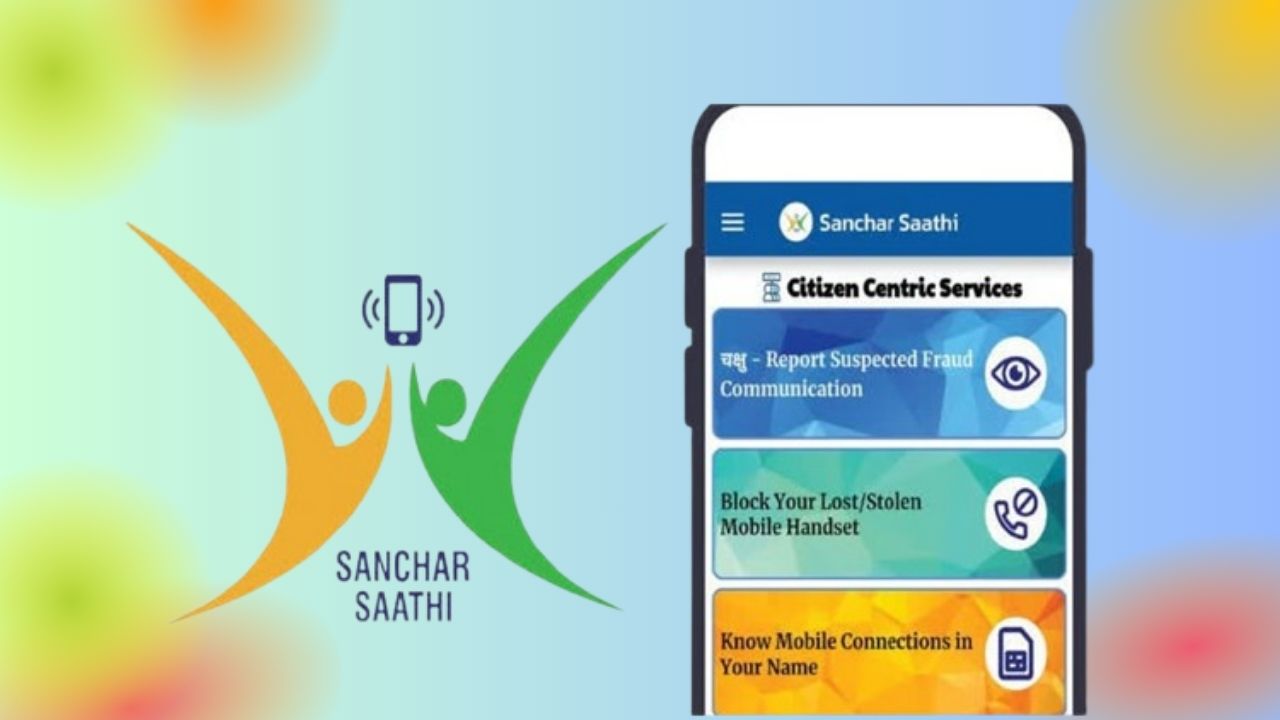
To help the people of India in this situation, the Government of India created a very smart and helpful platform known as the Sanchar Saathi App. This app was launched by the Department of Telecommunications (DoT) and its main purpose is to protect mobile users from fraud, theft, and misuse. With this app, any person can block, track, and even unblock their lost or stolen mobile phone using just their IMEI number.
In this long and simple article, I will explain everything about the Sanchar Saathi app, including all features, step-by-step process, latest updates, and extra safety tips. This whole article is written in simple, easy-to-understand English so that everyone can understand it clearly.
What Exactly Is the Sanchar Saathi App?
Sanchar Saathi is an official government platform that helps you manage the security of your mobile phone. The app works with something called CEIR, which stands for Central Equipment Identity Register. This is a big national database that stores information about all mobile phones in India using their IMEI numbers.
Every phone has a unique IMEI number, and this number cannot be changed easily. So if someone steals your phone, the thief may try to change the SIM card, but they cannot change the IMEI. Because of this, the government can block the device from working on any network. This system is very powerful and helps reduce mobile theft because thieves know the device will become useless.
So in simple words, Sanchar Saathi is like your mobile security guard. Whenever something bad happens with your phone, this platform helps you take fast action.
Main Features of the Sanchar Saathi App
The app has many helpful features that make it very useful for every mobile user. Here are the main features:
1. Block Your Lost or Stolen Mobile
If somebody steals your phone or you lose it somewhere, you can block the device. Once blocked, the mobile will not work on any SIM card and on any network in India.
2. Track the Status of Your Phone
You can see if your phone is being used anywhere and whether it is active on a network or not.
3. Unblock the Mobile If You Find It
After you recover your phone, you can unblock it again easily.
4. Check Mobile Numbers Linked with Your Aadhaar
You can check how many SIM cards are registered with your Aadhaar. If you find any unknown number, you can report it.
5. Check Before Buying a Second-Hand Mobile
If you want to buy a used phone, you can check if the mobile is stolen or clean by entering its IMEI.
These features make the app extremely helpful for common people, especially in situations where quick action is needed.
How the Sanchar Saathi App Works (Simple Explanation)
Many people think tracking or blocking a phone is difficult, but the Sanchar Saathi app makes everything easy. The whole system works mainly using the phone’s IMEI number.
Here is how the app works in the background:
- When you block your phone, the app sends the IMEI to the CEIR system.
- CEIR immediately marks the phone as blocked.
- All mobile networks in India like Jio, Airtel, Vi, BSNL receive the block request.
- The phone stops working on all SIM cards.
- Even if the thief inserts a new SIM, the phone will not connect to the network.
- After you recover your device, you can unblock it with just one request.
This entire process is fast and secure. That is why experts say this platform is one of the best steps taken by the government for mobile safety.
How to Block Your Lost or Stolen Phone (Step-by-Step}
If your phone is lost or stolen, blocking it quickly is the best thing to do because it protects your personal data. Here I will explain the complete steps in very simple words.
Step 1: Open the Sanchar Saathi App
You can use the app or the website. Both work the same way.
Step 2: Select “Block Lost/Stolen Mobile”
You will see a form that you need to fill.
Step 3: Enter Details
You will need to enter things like:
- Your name
- Mobile number
- IMEI number
- Device model
- Where and when it was lost
- Your police complaint number (online FIR also accepted)
Step 4: Submit the Request
After you submit the form, your phone will be blocked on all networks.
Once blocked, the thief cannot use the phone, open network, or insert a new SIM.
How to Track Your Lost Phone Using Sanchar Saathi
Sanchar Saathi also allows you to check if your phone is active anywhere. If someone turns on your phone and connects it to a mobile network, the system will update the status.
Here is how you track:
- Open the app
- Select “Know Your Mobile” option
- Enter the IMEI
- The system will show if the phone is active or not
This gives you an idea of whether the phone is being used.
How to Unblock the Phone After You Get It Back
Sometimes people find their lost phone after a few hours or days. If you get your phone back, you must unblock it to use it normally again.
The steps are also very simple:
- Open Sanchar Saathi
- Select “Unblock Found Mobile”
- Enter the request ID you got earlier
- Give a short reason
- Submit the request
Your phone will be unblocked in a short time and start working normally.
Why Sanchar Saathi Is Very Important Now
Here are some important updates and improvements:
- Faster blocking and unblocking system
- More accurate tracking of active devices
- Updated database to cover all mobile networks
- Better protection for Aadhaar-linked mobile numbers
- Option for checking multiple IMEI devices (like dual SIM phones)
These updates make the service more reliable in real-life situations.
Extra Tips to Keep Your Mobile Safe
Here are some simple and helpful tips:
• Always write down your IMEI number in a safe place
• Use a strong lock screen
• Stay alert in crowded areas
• Turn on Find My Device or Find My iPhone
• Do not save passwords in notes without protection
• Enable two-step verification for important apps
Small precautions like these can save you from big problems.
The Final Words
The Sanchar Saathi app is a very useful service, especially for people who want to protect their mobile phones and personal data. Losing a mobile can be stressful, but this app gives you full control to block, track, and secure your phone quickly. In 2025, when our phones carry more important information than ever, tools like Sanchar Saathi are necessary for everyone.